Advertise Smart
Craft Targeted Advertising Campaigns
- Create effective ad campaigns with detailed performance insights.
- Track sent, read, and failed messages for each campaign.
- Manage campaigns seamlessly with the Campaign Control Center.
- Set limits on daily messages and automate campaign repetition for effortless management.
- Streamline processes with automated ease.
- Implement automatic replies and user data collection with the Chat Bot for a more interactive advertising experience.
- Utilize the Chat Bot for personalized responses, adaptive learning, and quick query resolution in advertising campaigns.
Advertise Smart
Chat Bot
Automated Actions with a Chat Bot
- Engage users with automated responses and forms, bringing a friendly chat bot to your device.
- Implement automatic replies for advertising campaigns, ensuring timely and personalized interactions.
- Enable the chat bot to collect user data seamlessly, enhancing your understanding of customer preferences.
- Foster user engagement by incorporating dynamic responses based on user behavior and input.
- Integrate the chat bot into your automated campaigns, creating a cohesive and interactive user experience.
- Utilize the chat bot for quick and efficient resolution of user queries, enhancing customer support.
- Personalize the chat bot's responses by incorporating variables, ensuring a tailored interaction for each user.
- Implement a chat bot reporting feature to track user interactions, providing valuable insights for future enhancements.
- Enable the chat bot to adapt to user preferences over time, refining its responses for a more intuitive user experience.

Chat Bot
Message Magic
Send Messages Anywhere, Anytime
- Send messages across different platforms like WhatsApp and SMS with just a few clicks.
- Control how often messages go out with adjustable time gaps.
- Save time by using message templates, keeping content and files ready for future use.
- Schedule messages for future delivery and send them to specific lists, contacts, or unsaved numbers at designated times.
Message Magic
Tech Harmony
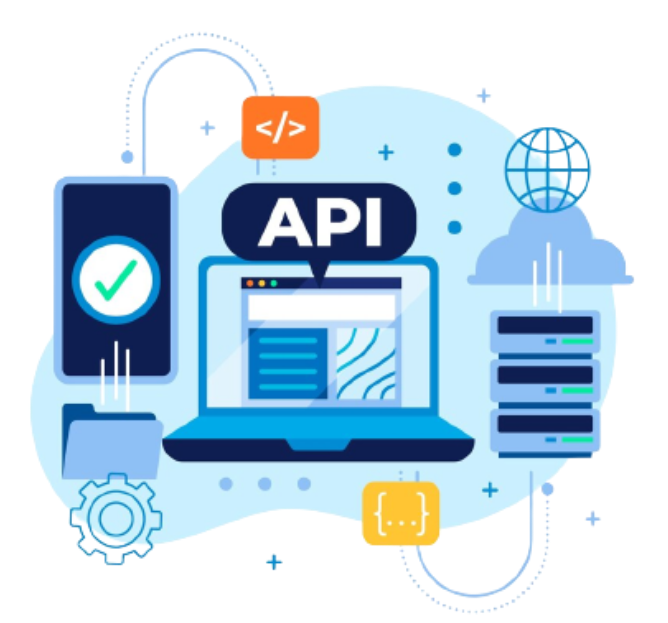
Connecting with Your Current Software via API
- Effortlessly link up with your existing software, enabling functionalities such as sending messages like OTP, just to name one example.
- Utilize the full capabilities of our program within your current software using API integration.
- Achieve seamless integration with your current software, ensuring a swift process with documentation available to explain every aspect of API linkage.
- Harness the power to send notifications after each operation on your current software, tailored to your preferences.
- Take advantage of this opportunity to incorporate our features into your existing software using API integration, with comprehensive documentation to guide you through the process.
Tech Harmony
Team Harmony
Add Users and Manage Permissions with Ease
- Add team members effortlessly and customize their permissions as needed.
- Implement user roles for streamlined access control, ensuring a secure and efficient workflow.
- Enable detailed user activity tracking, providing insights into each user's contribution and actions.
Team Harmony
User-Friendly Design
Simplifying Control with an Intuitive Interface
- Our interface is designed to seamlessly operate on all your devices, whether it's a computer, laptop, tablet, or even a mobile phone.
- Navigate through a visually appealing and user-friendly interface effortlessly.
- Customize dashboard layouts for a personalized and intuitive user experience.
- Implement dark mode and other theme options according to user preferences, ensuring a tailor-made visual experience across all your devices.
User-Friendly Design